

Make sure you're using a Microsoft 365 work or school account, not a personal account. If your organization has single sign-on (SSO), you may need to authenticate through your company's login page.
Microsoft 365 licensing for document editing
For an overview of all Microsoft 365 integrations—including Outlook email and calendar sync—see Microsoft 365.
Clasp Drive lets you edit Microsoft Office files directly in your browser—but editing requires a Microsoft 365 work or school account with an Office web license. Personal Microsoft accounts can view documents but cannot edit them.
Microsoft 365 license requirement
When you open a Word, Excel, or PowerPoint file in Clasp Drive, you'll see a prompt to authenticate your Microsoft license:
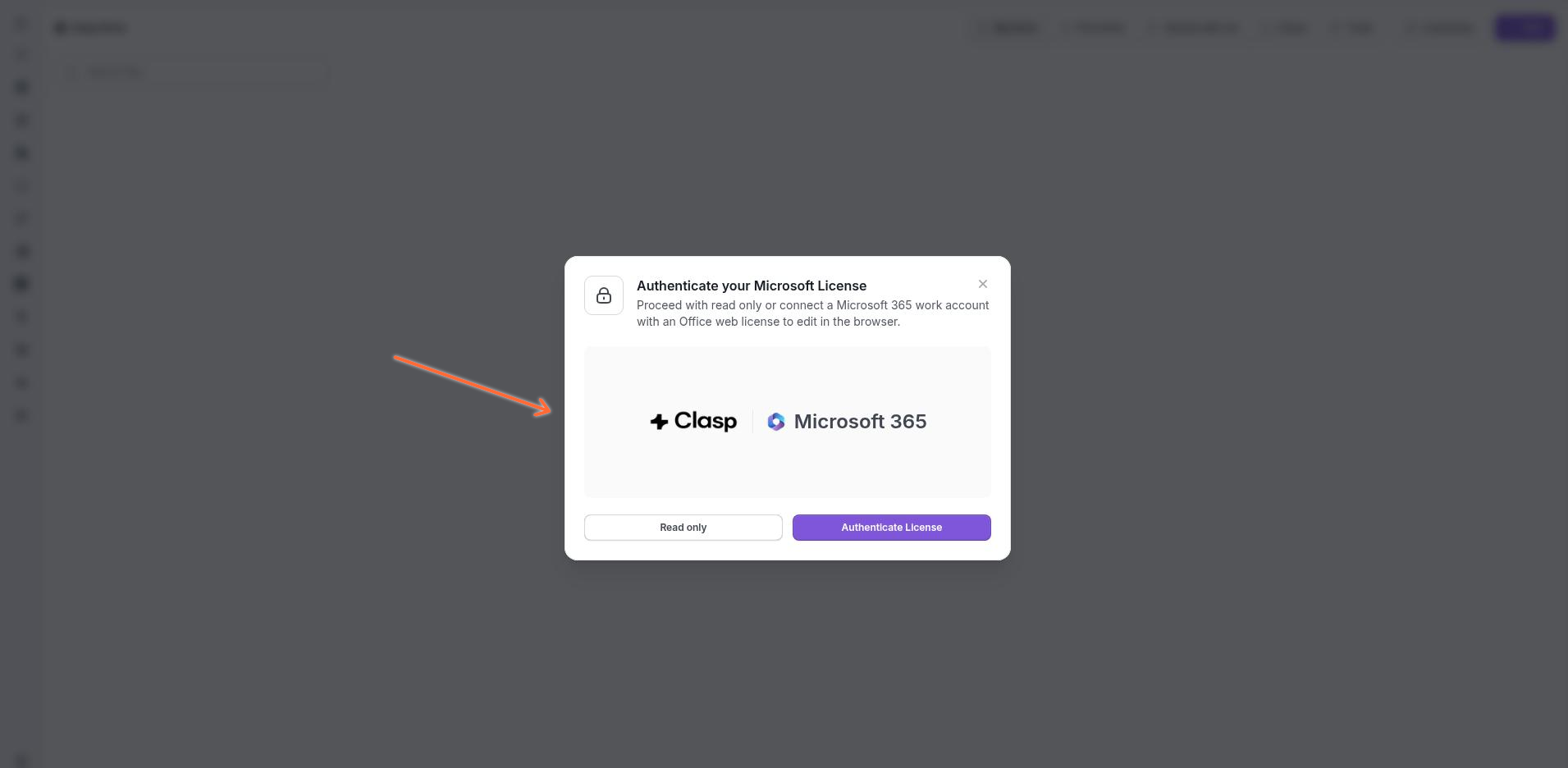
You have two options:
Read only — View the document without editing capabilities. Use this if you don't have a licensed Microsoft account or just need to review the document.
Authenticate License — Connect your Microsoft 365 work or school account to enable full editing in the browser.
Personal accounts cannot edit. You must use a Microsoft 365 work or school account with an Office web license. Personal Microsoft accounts (like @outlook.com or @hotmail.com) can only view documents, not edit them.
Connecting your Microsoft account
When you authenticate your license:
Clasp Legal redirects you to the Microsoft sign-in page.
Enter your work or school account credentials.
Grant Clasp Legal permission to access your Office documents.
You're returned to Clasp with editing enabled.
Your Microsoft account is linked to your Clasp Legal account through Settings → Connected Accounts. You can disconnect or reconnect your account there at any time.
Multi-user editing
Multiple firm users can edit the same Office document simultaneously within the Clasp Legal workspace. Changes sync in real-time, so you can collaborate with colleagues on the same file without version conflicts.
Clients and simultaneous editing. A client cannot open a Microsoft document from their client portal while an attorney or firm user is editing it. Clients can view documents, but simultaneous viewing between firm users and clients is not supported.
Viewing documents without a license
If you don't have a Microsoft 365 work license, you can still:
View Word, Excel, and PowerPoint files in read-only mode
Download documents to edit locally
Upload edited versions back to Clasp Drive
Troubleshooting
I'm getting an error when trying to authenticate
My edits aren't saving
Check your internet connection. Edits save automatically to Clasp Drive as you work. If you see a connection indicator in the editor, wait for it to reconnect before continuing.
Can I use a different Office Account?
Yes. Go to Settings → Connected Accounts to disconnect your current Microsoft account. The next time you edit an Office document, you'll be prompted to sign in with a different account.
Are files tied to my Office Account?
No. Your Microsoft Office 365 Account is only utilized to authenticate and verify an active license. Documents stored in the Clasp Drive do not sync with your Microsoft One Drive Account. You can separately connect any Microsoft One Drive Account to import files.
Next steps
View and manage images and PDFs in the document viewer
Share documents with your team and clients
Was this helpful?