

Billing Overview
Clasp Billing brings invoices, time entries, expenses, flat-rate fees, and trust accounting into one place so you can manage your entire firm's finances without switching tools.
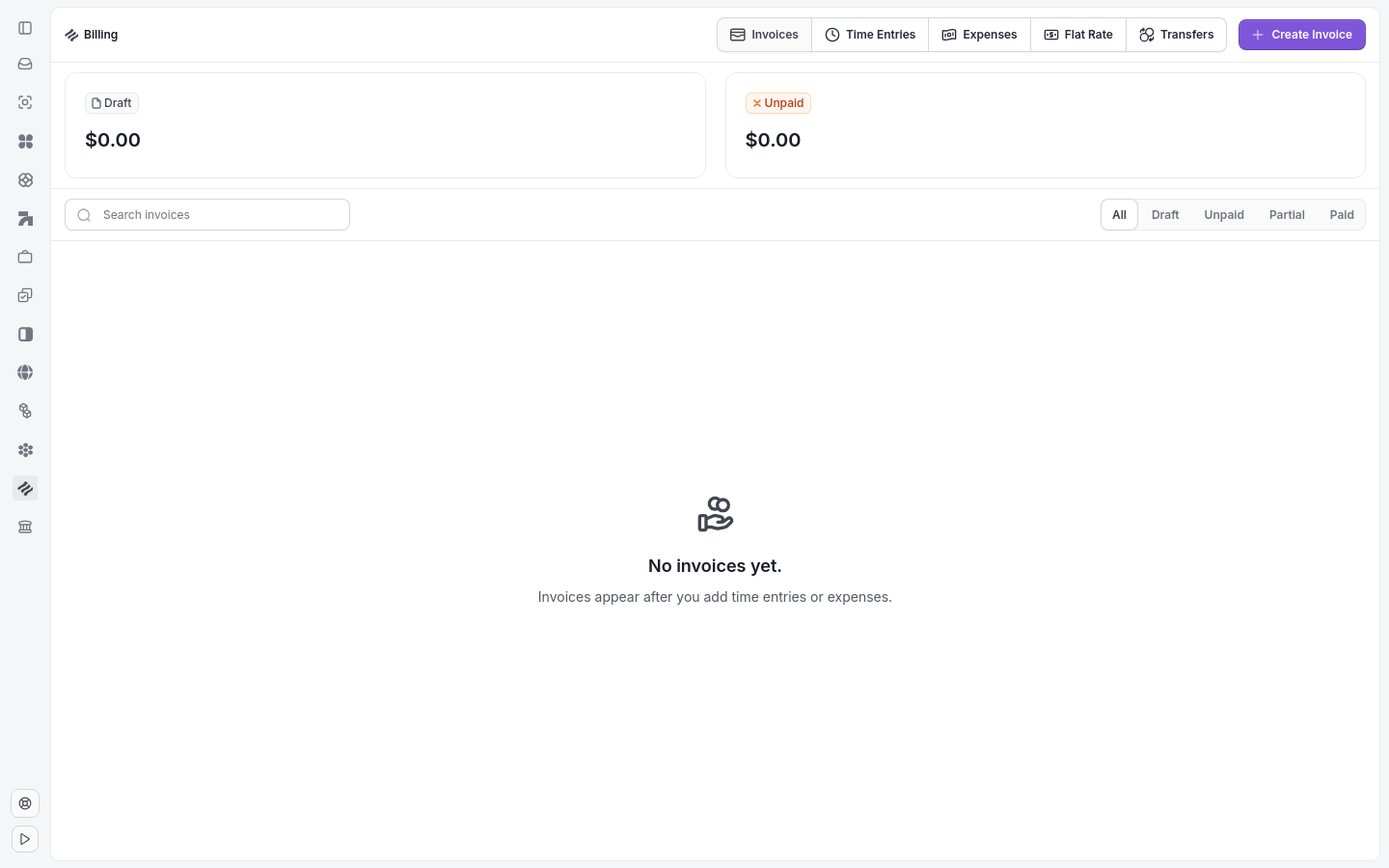
The Billing page shows all five sub-tabs in one place.
What's in Billing
Click Billing in the sidebar to access five sub-tabs: Invoices, Time Entries, Expenses, Flat Rate, and Transfers. Each tab displays the corresponding records across all cases in your firm, giving you a centralized view of every invoice, time entry, expense, and transfer in one place.
Billing and Banking access
Teams with the required role access can open the normal Billing and Banking tabs without an eligible subscription. Module visibility is separate from the requirements for moving money.
Money-moving actions require more than module access. Sending and recalling invoices, recording and reversing payments, sending and recalling trust requests, charging trust replenishment, creating transfers, refunding or voiding transactions, and approving or voiding disbursements all require an active paid subscription (or past-due status), an approved billing application, and enabled billing.
Case-level billing
Open any case and click the Billing tab to view and manage all financial records scoped to that case only. This keeps individual case finances organized and accessible to everyone working on it, without mixing in firm-wide billing data.
Key features
You can create and send invoices, log billable time and expenses, set up flat-rate products, and manage trust account funds. These tools connect directly to cases and contacts so your billing stays accurate and tied to the underlying legal work.
Tip: The running timer at the bottom-left of the screen lets you start tracking time instantly from anywhere in Clasp.
Related: Create an Invoice · Log a Time Entry · Log an Expense · Set Up a Flat Rate Fee · Trust Account Overview