

Clasp Drive Overview
Clasp Drive is Clasp's built-in document storage system. It keeps all your firm's files organized in one place — accessible directly from any case or from the global Clasp Drive view in the sidebar. All case documents, firm templates, and personal files live here.
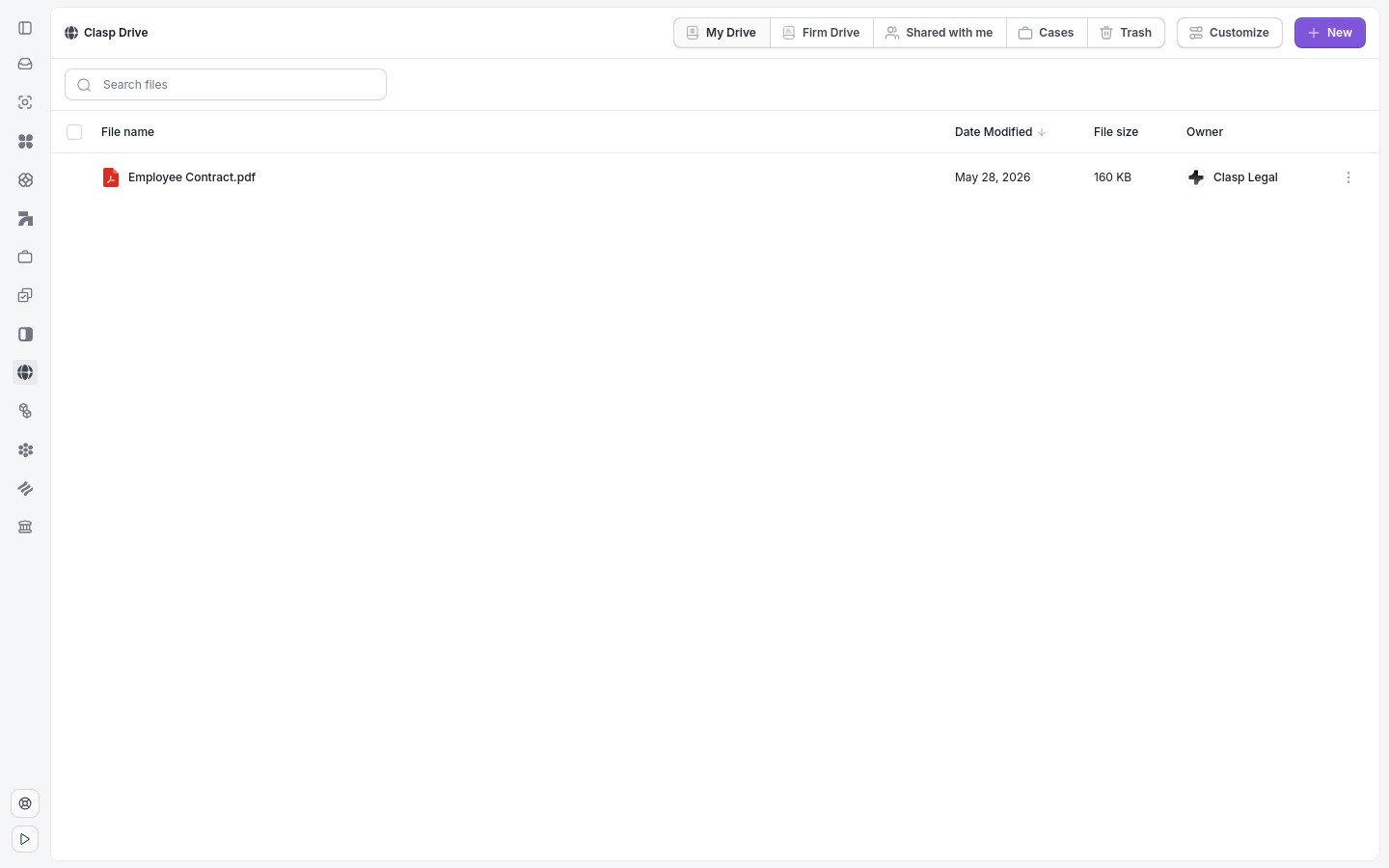
Clasp Drive separates files into four areas.
What's in Clasp Drive
Clasp Drive separates your documents into four areas so you can quickly find what you need:
My Drive — files you own personally
Firm Drive — shared files visible to your entire firm
Cases — documents organized by case
Trash — deleted files pending permanent removal
Key actions
From Clasp Drive, you can manage documents, create new files, and connect external storage:
Upload files
Create new documents (Word, Excel, PowerPoint via Microsoft 365)
Search across all files
Connect external storage (Google Drive, OneDrive, Dropbox)
How to open Clasp Drive
Click Clasp Drive in the sidebar.
Use the tabs at the top (My Drive, Firm Drive, Cases, Trash) to navigate.
Tip: Files uploaded directly inside a case appear in the Cases tab of Clasp Drive automatically.
Related: Upload a File · Create a Document with Microsoft 365 · Connect Google Drive