

Client Portal Overview
The Clasp client portal gives clients a dedicated workspace to stay informed about their case, communicate with the firm, and complete actions like reviewing documents and signing forms — without email threads or phone tag.
What clients can do
Clients can view case updates, access shared documents, complete intake forms, sign documents, make payments, and message the firm securely. All portal activity is recorded inside the case, so you always have a record of what the client sees and when they interact with it.
How access works
Each client accesses their portal through an invitation from your team. A client does not need a Clasp account to log in — the invitation link opens their portal directly.
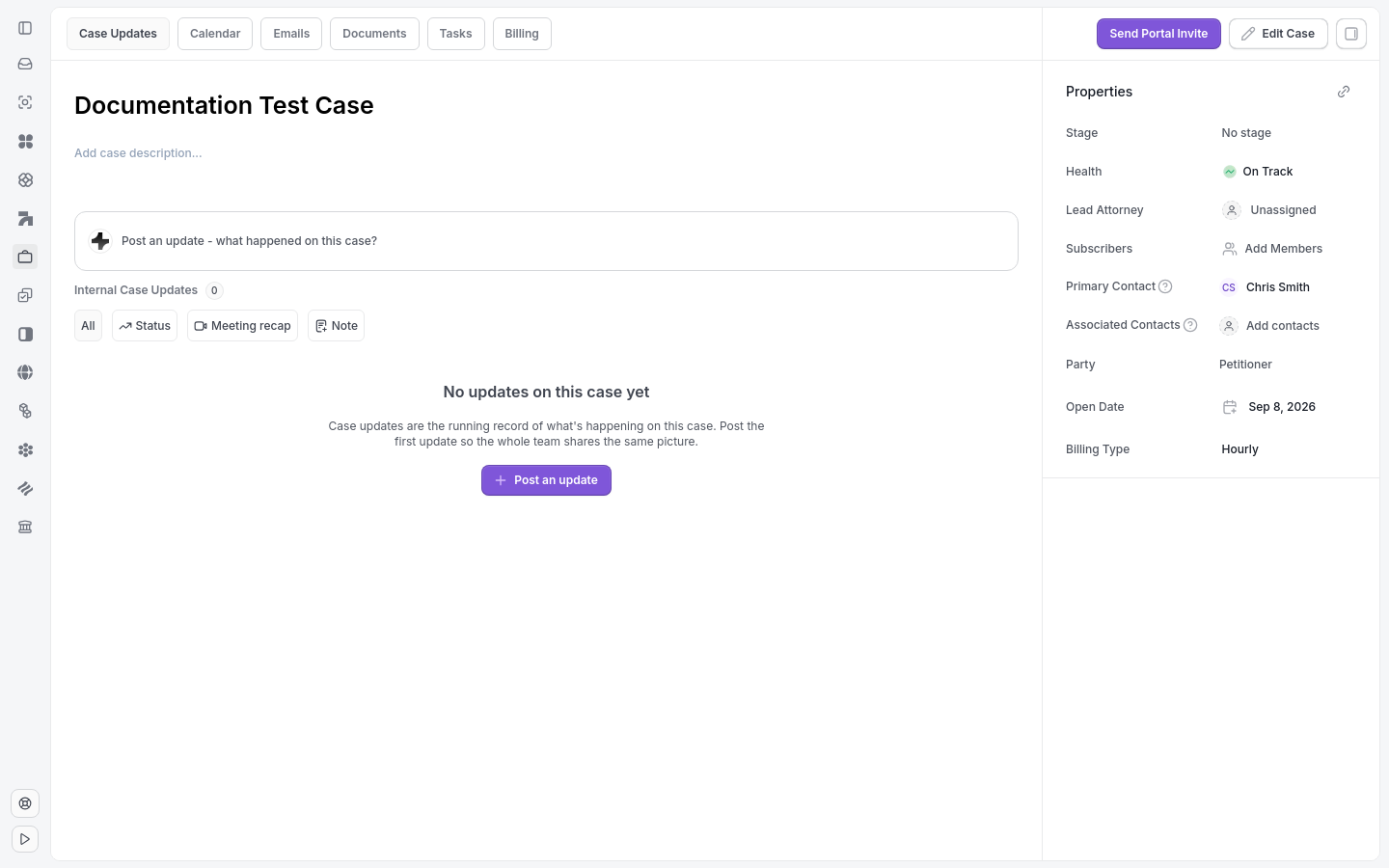
Portal access and invites are managed from the case page.
You control who receives access and what they can view inside the portal.
Note: The client portal is separate from the main Clasp workspace. Clients only see what you explicitly share with them. Nothing on the case is visible in the portal until you choose to share it.
Tip: Send a portal invite directly from the case page using the Send Portal Invite button.
Access across multiple teams
A single client account can accept portal invitations from more than one team using the same email address. Each invitation is scoped to the team and contact that sent it, so access in one team stays separate from access in another team.
Clients with access to multiple teams use the Switch Workspace selector to move between their permitted portals. Switching teams does not merge or expose cases and content between teams.
An account that already has firm access in a team cannot accept client portal access in that same team; that situation requires a different email.
Related articles
Invite a Client to Their Portal
What Clients Can See and Do
Manage Portal Access