

Create a Contact
Contacts are people or organizations linked to your firm's work in Clasp. Each contact has a name, optional first/last name, business name, email, phone number, address, and notes. Contacts can be linked to cases and invited to the client portal. Clasp also tracks outstanding balance and trust account balance per contact automatically.
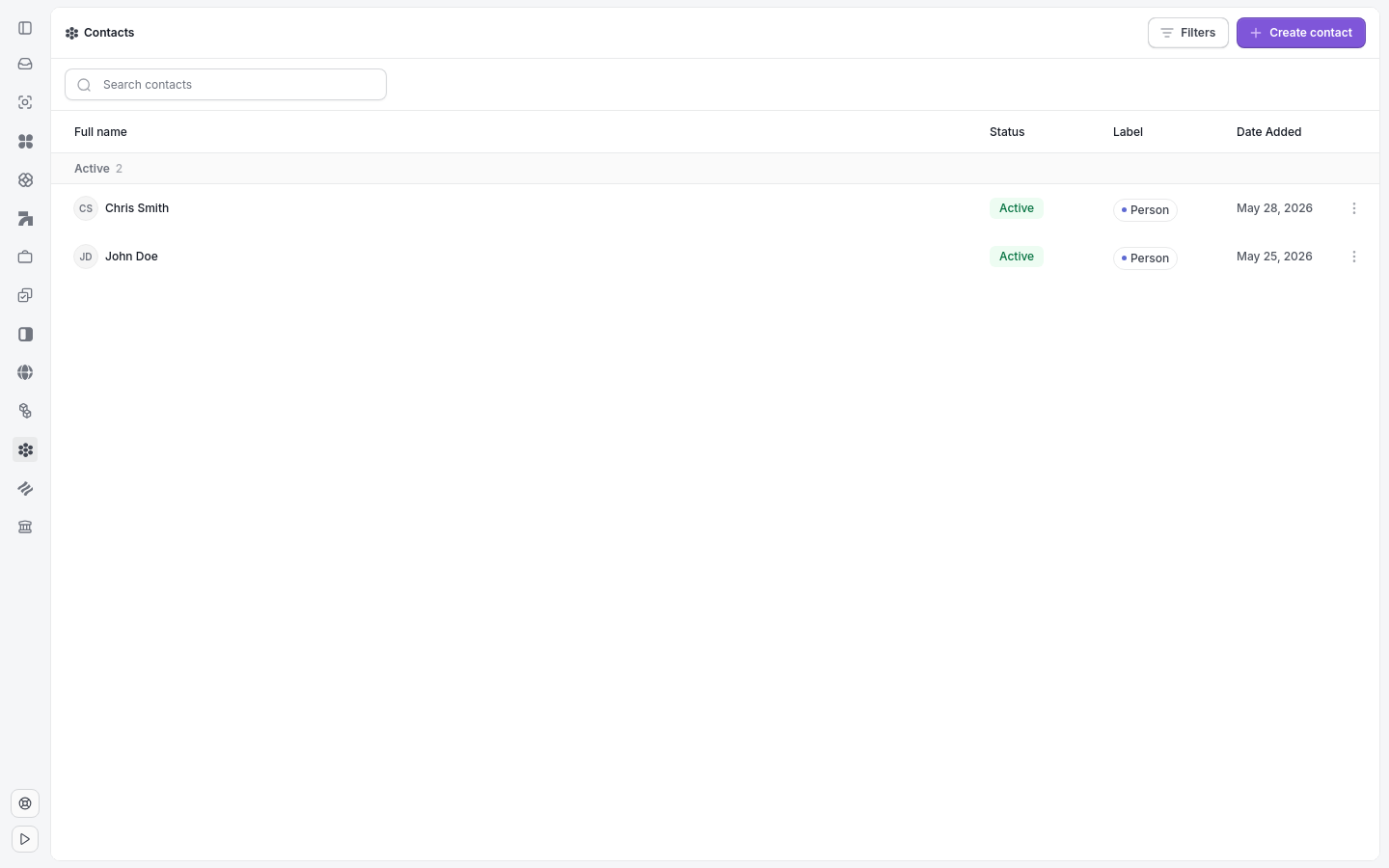
The Contacts page lists all firm contacts and the entry point to create one.
Click + Create in the top-left sidebar.
Select Contact from the menu
Enter the contact's Name (required).
Optional: Add First Name, Last Name, Business Name, Email, Phone Number, Address, and Notes.
Click Save to create the contact.
Note: Once a contact is created, you can link them to a case from the contact record or from within a case.
Tip: Add a business name if the contact represents a company. It appears alongside their name in lists and case views.
Related articles: Edit and Delete a Contact, Link a Contact to a Case, Contact Groups