

Messages Overview
Clasp Messages is a built-in messaging tool in the sidebar for team communication and client outreach. You do not need to leave Clasp to coordinate with colleagues or message clients.
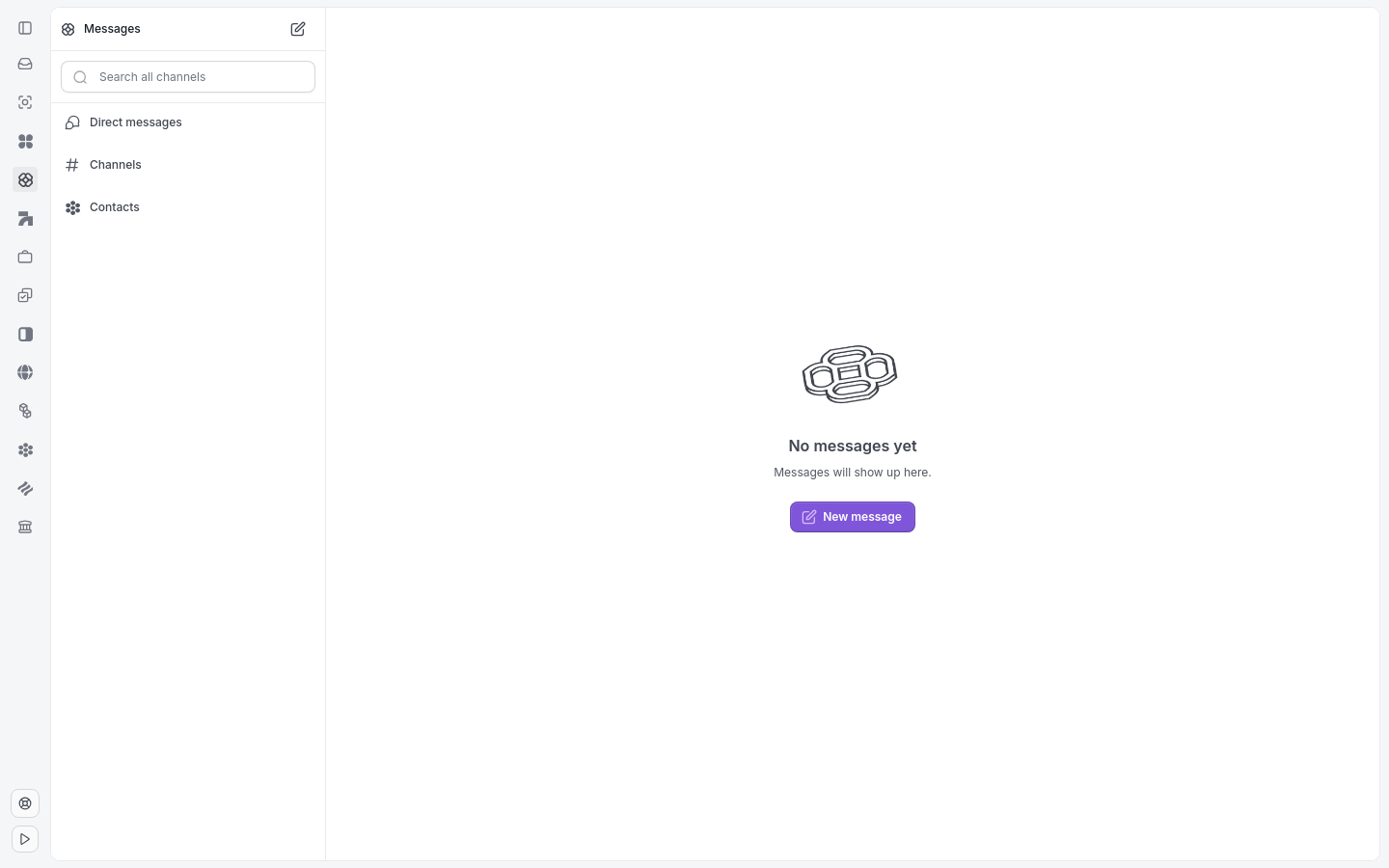
Messages groups conversations into Direct Messages, Channels, and Contacts.
What's in Messages
Messages contains three sections:
Direct Messages — one-on-one conversations with team members.
Channels — case-specific channels named after each case that are created automatically.
Contacts — team contacts and client contacts with phone numbers for SMS outreach.
How to access Messages
Click Messages in the sidebar.
Direct Messages
Use Direct Messages for private one-on-one conversations with teammates. Click New message to start a conversation.
Channels
Channels in Clasp work just like they do in Slack or Microsoft teams. They are one big group chat to keep everyone on the same page.
Contacts
The Contacts section lists team members and client contacts with phone numbers. You can send direct SMS outreach without leaving Clasp.
Note: Messages is for internal team communication and client SMS. It is separate from the Emails feature, which syncs your Gmail or Outlook inbox.
Related articles: Send a Direct Message · Case Message Channels · Message a Client